
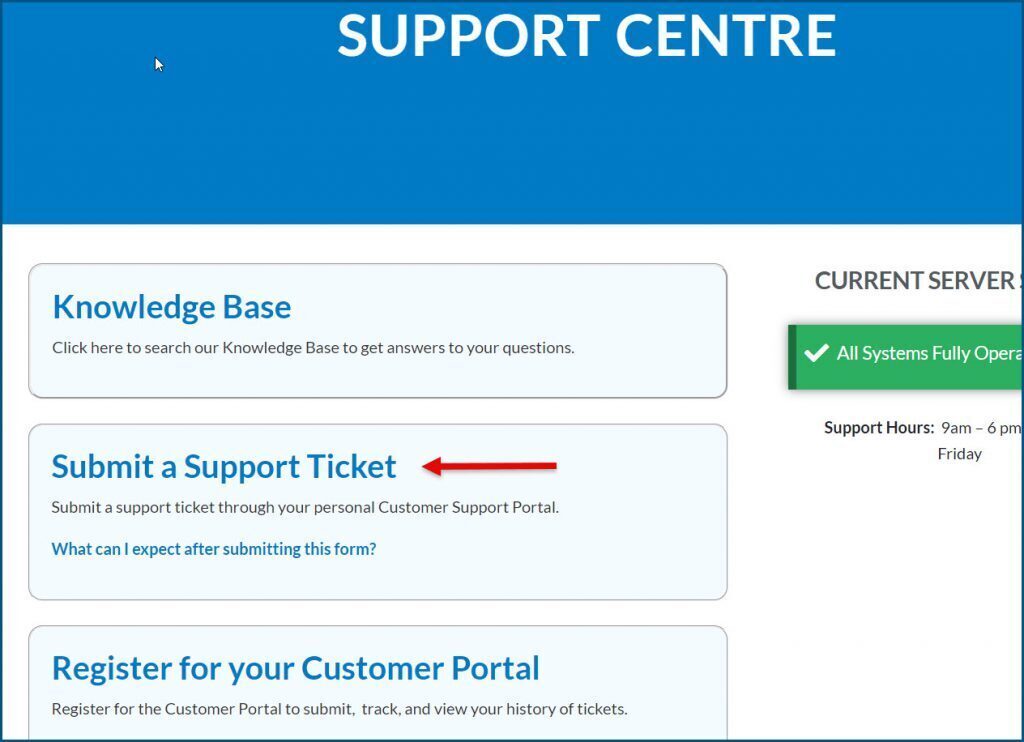
There are two ways to access the registration page:
Signority’s Support Centre page
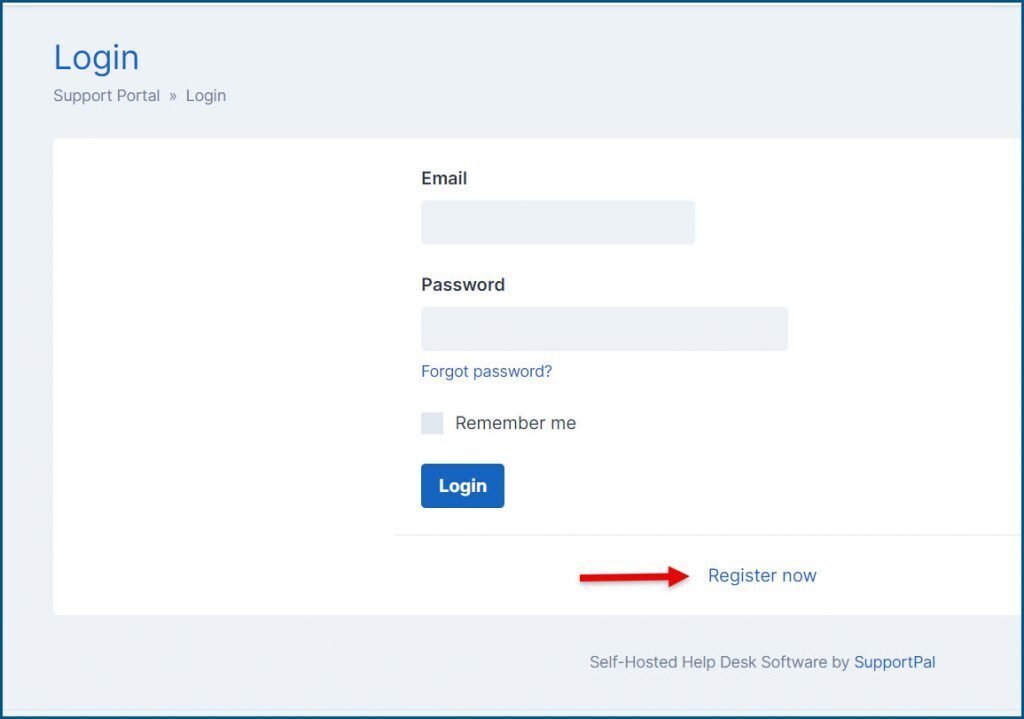
 2 - Submit a Ticket page
(if you accidently clicked Submit a Support Ticket before registering)
 When you arrive at the registration page you will be asked for the following information:

2 - Submit a Ticket page
(if you accidently clicked Submit a Support Ticket before registering)
When you arrive at the registration page you will be asked for the following information:
- First Name and Last Name
- Email address
- Password and then to confirm the password
- Phone number
- Country
- Time zone
- Organization – Required for corporate accounts
- License Key – Only required if you have the FileCloud service; otherwise leave blank.
After clicking Register, you will receive a confirmation email to verify your account. Check your inbox (and spam folder) and follow the link provided to complete your registration.