
Original Question or Issue:
A "Forbidden" error appears when trying to Re-Encrypt File Key for Managed Storage Encryption after upgrading from 23.232.x to the latest version of FileCloud Server.
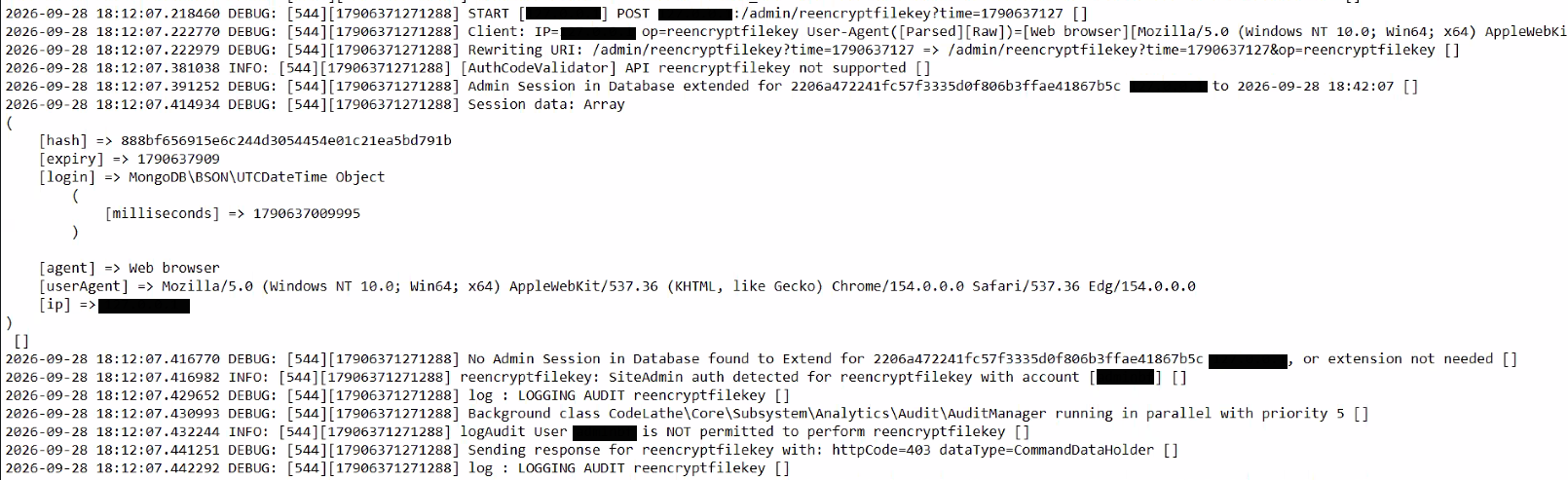
The server logs shows the following error lines.
Environment:
- Product - FileCloud Server,
- Version - 23.262.x
- Platform - Windows, Linux
Steps to Reproduce:
Error or Log Message:
"Forbidden"
LogAudit User <username> is NOT permitted to perform reencryptfilekey []
Defect or Enhancement Number:
Cause:
This error occurs if the default admin is used in the Admin Portal login when re-encrypting the managed storage after an upgrade.
Resolution or Workaround:
Login as the default admin in the Admin Portal, and retry the re-encrypt action.
Notes: