
Original Question or Issue:
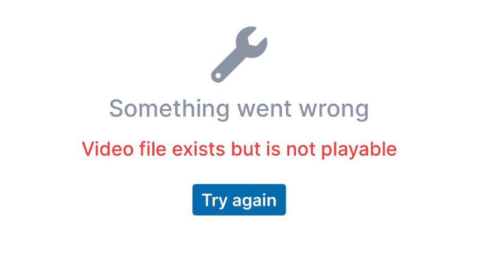
FileCloud iOS app users are getting a "Video file exist but is not playable" error when opening a share link.
Environment:
- Product - FileCloud iOS
- Version - Any
- Platform - iOS
Steps to Reproduce:
Error or Log Message:
Defect or Enhancement Number:
FCL-5637
Cause:
The affected files are rejected by iOS Safari's stricter inline <video> streaming decoder. Example: H.264 High@4.1, 1080p25, ~9.9 Mbps, MainConcept-authored. iOS reads the file index then aborts with a media error; re-encoding the same file to standard H.264 Baseline plays normally. Chrome and the iOS offline player are more lenient and accept it as-is.
Resolution or Workaround:
The issue is not with the FileCloud iOS app and is something we cannot address on the server — it already returns correct responses. The file just needs to be in an iOS-friendly H.264 format, and since video transcoding is outside the product's scope, we won't be making changes for this case.
Workaround
Users can download the file to play it (it works fine in the iPhone's native player), or re-encode the file before uploading.
Notes: